The Elevator App Technicians Actually Use (2026)
By Sumeet Katariya, ElevatorPlus ·
In short: A technician does not evaluate software. He decides, in about thirty seconds on the landing, whether the thing in his pocket is helping him or slowing him down. A field app earns its place when it opens to the right unit, shows the last three visits, records a reading in a tap rather than a sentence, and closes the job card before he walks out of the building. Everything else is decoration, and the office pays for it later in unbilled work.
Key takeaways
- The app is judged on arrival, not in a demo. If a technician has to search for the unit, or ring the office to ask which lift he is standing in front of, the app has lost him.
- Typing is the cost that kills adoption. A form that needs full sentences gets filled in with one word, or at midnight from memory, or not at all. Taps and defaults are what get honest data.
- The office does not lose a report, it loses the invoice. An open job card is an unbilled visit, an uncounted spare, and a renewal meeting with no evidence behind it.
- Signal is the first thing to test, not the last. Machine rooms, basements and pits are where the work happens and where the network is not. Ask a vendor what the app does in a lift pit before you ask what it does in a boardroom.
- GPS and live technician location are Android only. Plan your device policy around that, rather than discovering it after you buy handsets.
What this guide covers: what he opens on arrival · what has to be recorded before he leaves · the typing problem · no signal in the building · the cost of an open job card · paper and chat groups compared with a field app · what GPS does and does not give you · what to test before rollout · FAQs.
What does a technician actually open when he arrives?
He is standing in a lobby. Ten past nine, the building manager already walking towards him, the complaint being that the lift stops short of the landing on the third floor. He has forty minutes before the next call.
What he needs then is small and specific. Which unit this is, by the number stencilled inside the car and not the customer's internal name. What was done here last time, and by whom. Whether an open complaint on this unit was never closed. Whether the spare he suspects he needs is in the van, in the store, or on order.
Four facts. A good app puts all four on one screen the moment he taps the site.
What usually happens is that he opens the app, waits, lands on a dashboard built for a manager, and starts hunting. Sites are listed by client, so a building he knows as "Sagar Heights" sits under a facility company he has never heard of. Two lifts at one address are told apart by a serial number he cannot see from the lobby. He gives up and calls the office, the exact phone call the software was bought to prevent.
Order matters more than features here. Assign work to a unit, not a site. Show the last three visits before anything else. Everything the office wants can sit one tap deeper.
What has to be recorded before he leaves site?
Ask a technician what he records and he says "the work". Ask the office and the list is longer. The gap between those answers is where field data goes missing.
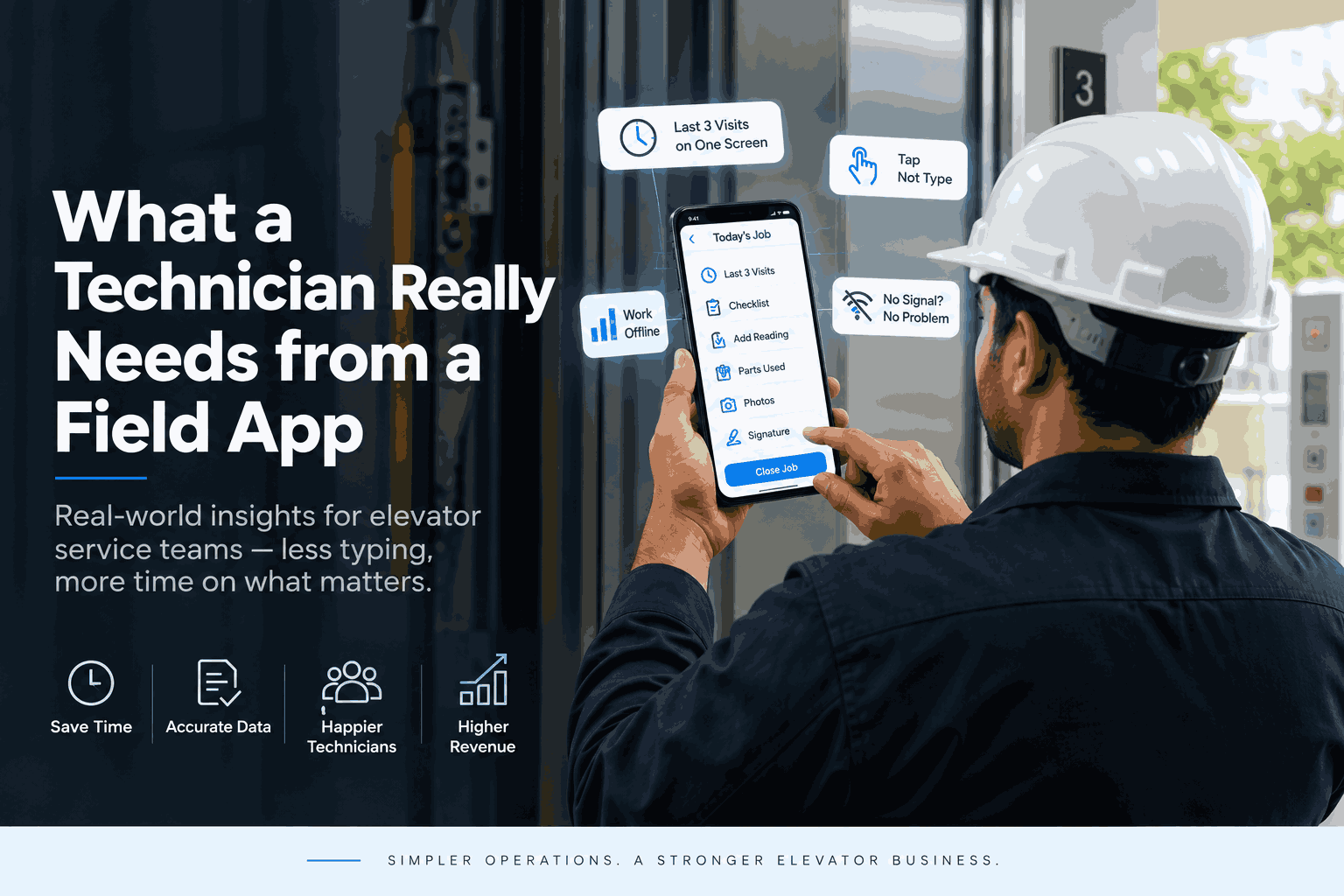
The honest minimum for a routine visit. Arrival and departure time. Checklist items done, pass or fault against each. Any reading taken, as a number, in a field that already knows the unit. Parts consumed, picked from stock rather than typed. A photo where a photo beats a sentence. A fault noted for next visit. A signature from whoever met him at the building.
For a breakdown, add the reported symptom, the actual cause, what was done, and whether the lift is running or still down. That last field is the one the office cares about most and the one most often left blank.
Nothing there needs a keyboard except the fault note. If your app makes him type anything else, someone designed a form and never carried it up a ladder.
The signature is worth its own sentence. Captured on site, against the job card, on the day, it ends the argument about whether a visit happened, and ends it far better than a maintenance sheet in a file the building manager has also lost. See digital signatures for how that fits the rest of the record.
Why do technicians stop using an app that asks for too much typing?
Because typing on a phone with dirty hands, standing up in a machine room, is unpleasant, and because he gains nothing from it.
That second part is what office teams underestimate. Every field he fills serves somebody else. The service manager wants the fault code, accounts wants the part number, the contract manager wants the reading. He wants to finish and drive to the next call. If the app gives him nothing back, he is doing unpaid clerical work in a stairwell, and he will find the shortest path through it.
The shortest path is always the same. "ok" in every box. The first option in every dropdown. The whole day entered from the van at six in the evening, from memory, which produces data that is neatly formatted and quietly wrong.
The fix is not training. It is removing keystrokes.
Default what can be defaulted. Last month's reading beats an empty box. Make checklists tappable, with a fault path that opens only when he taps fault. Let a photo stand in for a description. Give him one free text field per visit and stop asking anywhere else.
And give him something back. Last visit's notes on the same screen. Spare availability without a phone call. His own attendance and overtime visible to him, so the app is the thing that gets his hours right rather than only the thing that watches him. That is what attendance tracking is for, and it is why an app carrying it gets opened more often.
What happens when the building has no signal?
Lifts live in the worst places for a mobile network. Basements. Pits. Machine rooms behind concrete and steel. The question is not whether a technician loses signal. It is what your app does in the ninety seconds after he does.
Three behaviours turn up in the field. Some apps fail loudly and lose the entry, which teaches the technician to write on paper first and type later. Some hang, and he watches a spinner while the building manager watches him. Some hold the entry on the device and send it when signal returns, which is what you want.
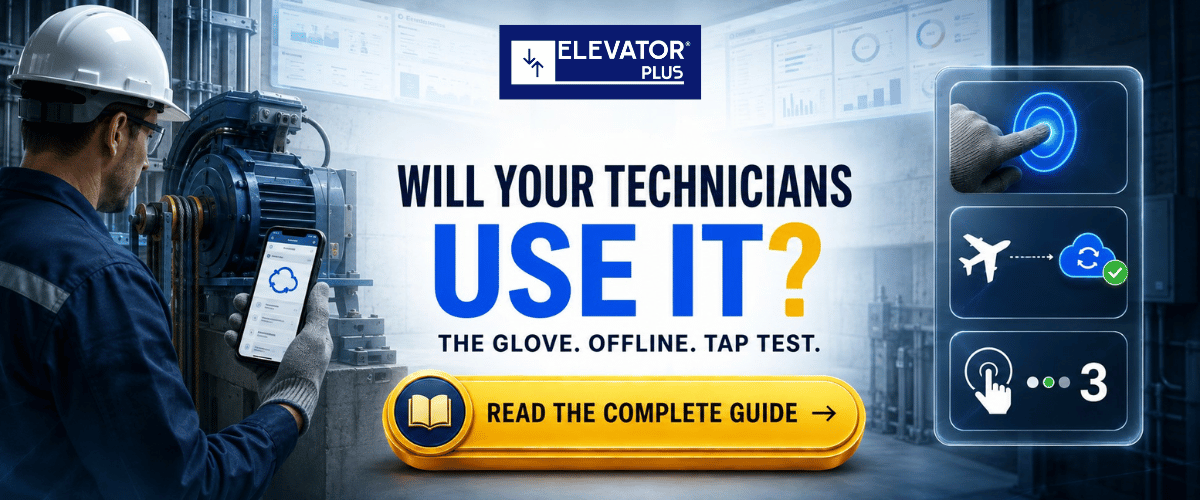
Before you buy anything, run this test. Take the handset your technicians will carry, walk into a pit in a building you already service, put the phone in flight mode, and complete a full job card. Come out and see what reached the office. Ask the vendor to be there while you do it. What an app does with no bars is answered by a demonstration in your own building, not by a claim in a deck.
Design your process around whatever answer you get. If entries hold on the device, tell technicians to finish the card on site and let it send on the way out. If they do not, tell them to fill it in the lobby before they get into the lift. A policy that assumes one behaviour while the app does the other is the worst outcome, because then nobody trusts the record.
Photos are the other half of it. Six on a weak connection at the edge of a basement move far slower than two and a clear note. Tell your technicians which two matter.
What does the office lose when the job card never gets closed?
An open job card is not a missing report. It is a visit that cannot be billed, because nothing evidences it. It is a spare that left the store and never landed against a unit, so your stock figure and your shelf disagree. It is a breakdown nobody knows is still down. It is a renewal meeting with a customer who says "your people barely came", and no way to answer him.
It compounds quietly. One technician with fifteen open cards is a conversation. Twelve technicians with fifteen each is a month of revenue sitting unfinished, and a service manager who spends Fridays chasing rather than planning.
Recovery costs more than the original entry would have. Somebody calls the technician. He remembers roughly. Somebody types it in for him, which is worse data than he would have entered and takes two people to produce.
Close the loop on site or pay twice for the same information. Work order management exists to make the closed state the default rather than the exception.
Paper, a chat group, and a field app compared
Most elevator companies run one of three systems, whether they call it a system or not.
| What it does | Paper job card | Photos in a chat group | Field app on the technician's phone |
|---|---|---|---|
| Technician knows which unit he is at | Yes, if he has the right book | No, he types the address | Yes, work is assigned to the unit |
| Last three visits visible on site | Only what is in that book | No, buried in the scroll | Yes, on the unit record |
| Parts recorded against the unit | Written, retyped later | Rarely | Picked from stock at the time |
| Customer signature | On paper, in the van, sometimes lost | No | Captured on the job card |
| Office sees the visit | When the book comes back | Immediately, unsorted | When the card reaches the office |
| Searchable a year later | Only by hand | Effectively no | Yes, by unit |
| Extra effort for the technician | Low | Very low | Depends entirely on form design |
Look at the last row, because it decides every row above it. Paper and chat groups win on effort, which is why they survive in companies that already bought software. An app beats them only if it costs the technician less than a pen does. Most field forms are written as though that bar were not there.
👉 Wondering how much of this your team can already see from the office?
See what field tracking actually shows →
What does GPS give you, and what does it not?
GPS and live technician location in ElevatorPlus are Android only. Say that out loud before you buy handsets, because a mixed fleet gives you a map with half the team missing from it.
What location gives the office is useful. Which technician is nearest a breakdown call. Whether a visit was logged at the building or in a car park two kilometres away. A route history you can hold up next to a travel claim.
What it does not give you is a picture of the work. A technician can sit at a site for ninety minutes and achieve nothing, and the map still looks perfect. Location answers where. Job cards answer what. Treat the map as one input and it helps. Treat it as supervision and your best people read it as distrust, which costs more than it saves.
The same restraint applies to the rest of the record. Field tracking tells you where the day went. Breakdown management tells you what it was for.
What should you actually test before rolling an app out?
Do this with two technicians and a real week, not a spreadsheet. Pick the two most sceptical. Not the enthusiast. The one who has watched three systems come and go and stopped bothering. If he finishes the week and says the app beat his book, you have something.
Time a full maintenance visit end to end, twice. Once on paper, once in the app. Count seconds, not impressions. An app that adds four minutes a visit adds about an hour a week per technician, and someone has to decide whether the record is worth that hour. Often it is. Say so, rather than pretending the cost is zero.
Then read the entries themselves, not the completion rate. If every fault note says "checked ok", the form is wrong, and he is telling you so in the only way he has.
Then check the office end. Does a closed card produce something accounts can act on without retyping. Does a consumed spare move the stock figure. Does an open fault reach next month's plan without a human remembering it. If not, you have digitised the paperwork and kept all the re-entry, which is the commonest outcome of a field rollout and the least discussed. Inventory management and PM and AMC reminders are where to look first.
Frequently asked questions
1. What should an elevator technician app show on the very first screen?
The unit he is standing in front of, the last three visits on it, the open faults against it, and availability of the parts he is likely to need. Anything that makes him search before he can start is a design failure, not a training problem.
2. Does the ElevatorPlus app work in a basement with no signal?
Test it in your own building before taking anyone's word for it, including ours. Take the handset your technicians will carry, go into a pit or a machine room, and complete a full job card. What matters is what the office receives afterwards. Build the field process around what you observe, not around what a demo shows on office wifi.
3. Why do technicians abandon field apps after a few weeks?
Because it takes more from them than it gives back. Long forms, free text fields, dropdowns that do not remember yesterday, and no visible benefit to the person filling them in. Cut the keystrokes and put something he wants on the same screen, and the pattern reverses.
4. Is technician GPS tracking available on iPhone?
No. GPS and live technician location are Android only. Decide your device policy with that in mind, and do not plan a location-based dispatch process for a team on mixed handsets.
5. Does the app handle payroll for field staff?
No. HRMS covers attendance, leave, overtime and approved expenses. Payroll sits outside it. The value for a field team is that hours and approved expenses come from the same record as the work, so nobody reconstructs a week from memory at month end.
6. What happens if a technician forgets to close a job card?
The visit stays unbilled, the parts stay unaccounted, and the customer record shows a gap that gets argued about at renewal. The fix is to make closing the card the last thing that happens on site, before the signature, rather than an office task that depends on chasing.
📲 Join our WhatsApp channel for compliance tips, updates: ElevatorPlus - Business Automation Tool
Field software fails in an ordinary way. Somebody in an office designs a form that captures everything the business would like to know, hands it to a man standing on a stepladder, and then wonders why the data is thin.
The technician is not resistant to software. He is running an accurate cost calculation about his own day, and he is usually right. If the app saves him a call to the office, tells him what happened here last time, and lets him leave with the job finished, he opens it without being asked. If it does not, no policy will make him.
So the questions worth asking a vendor are narrow and physical. What does the first screen show. How many taps to finish a routine visit. What happens with no signal, shown in my building. What reaches the office when the card closes, and does anyone retype it.
The office side is simpler than it looks. A closed job card is the whole point. Billing evidence, stock movement, service history and renewal argument, produced once, at the moment the work happened, by the person who did it. Everything downstream depends on that event happening on site rather than in a recollection three days later.
Get that right and the rest of the system has something honest to work with.
👉 See what your technicians and your office would each see on a live job card. Book a demo →
Related reading
- Field tracking for elevator service teams
- Breakdown management, from first call to closed job card
- Work order management for maintenance and repair visits
- Attendance tracking for field technicians
- Digital signatures on job cards and service records
About the author. Sumeet Katariya is the founder of ElevatorPlus, the Elevator Business Operating System used by 200+ elevator companies across 20+ countries.
👉 Follow ElevatorPlus on,
Instagram LinkedIn Facebook YouTube Qoura Substack Twitter