
Every Decision Goes to the Right Person Automatically
Stop chasing approvals on WhatsApp. ElevatorPlus routes every quotation, purchase order, work order and expense claim through the exact approval chain your business requires.
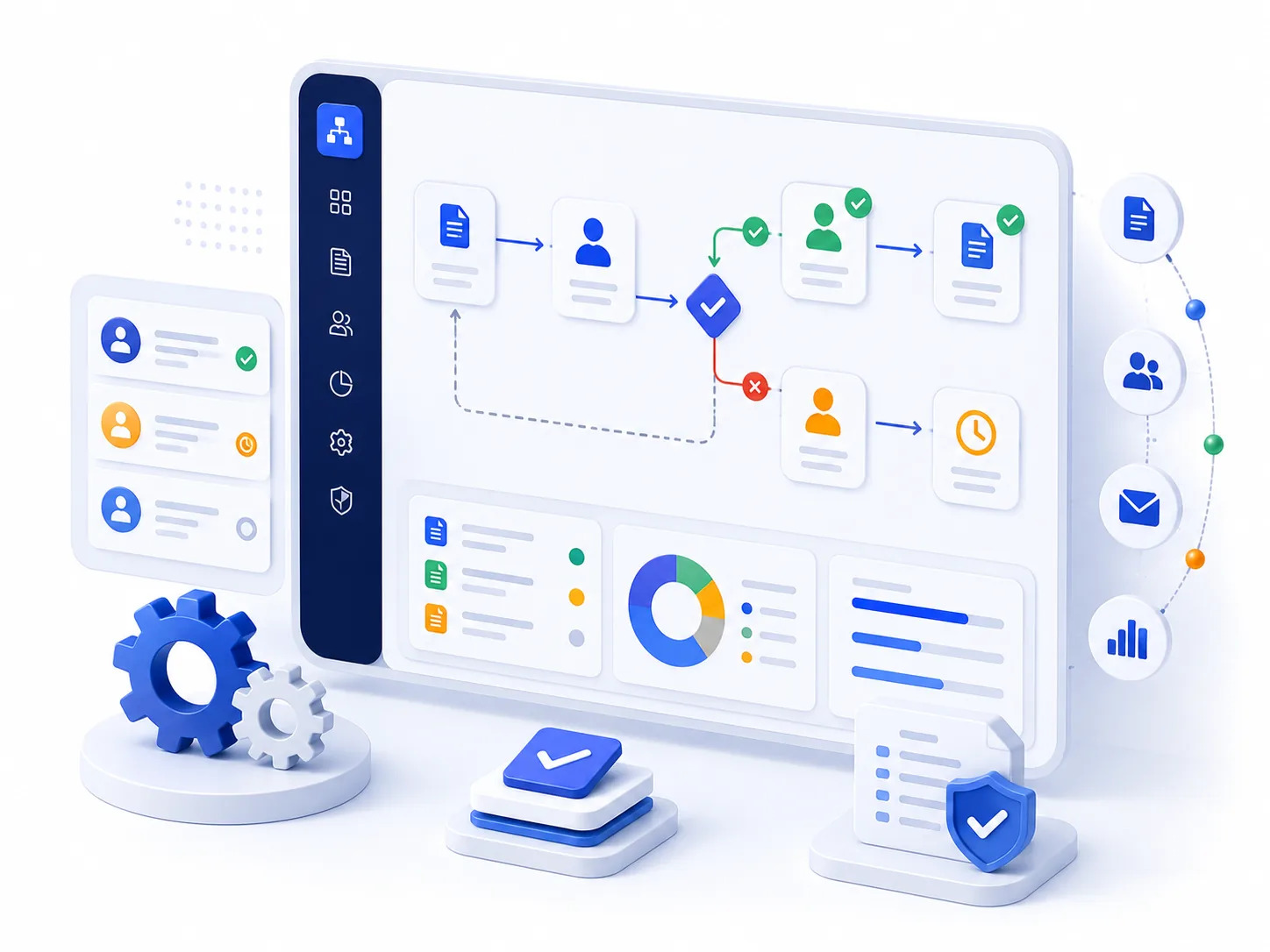
The Real Cost of Unstructured Approvals
Pricing Errors Reach Clients
Quotations go out without the right person reviewing them - pricing errors reach clients
Unauthorized Approvals
Junior staff approve large purchase orders because there is no formal process
Approval Delays
Approval delays because the approver did not see the WhatsApp message in time
Configurable Approval Engine
Configurable Approval Chains
Define multi-level approval workflows from the admin panel. Set who approves what - by module, by designation, by branch, by amount threshold.
- ✓Unlimited approval levels
- ✓Per-module configuration
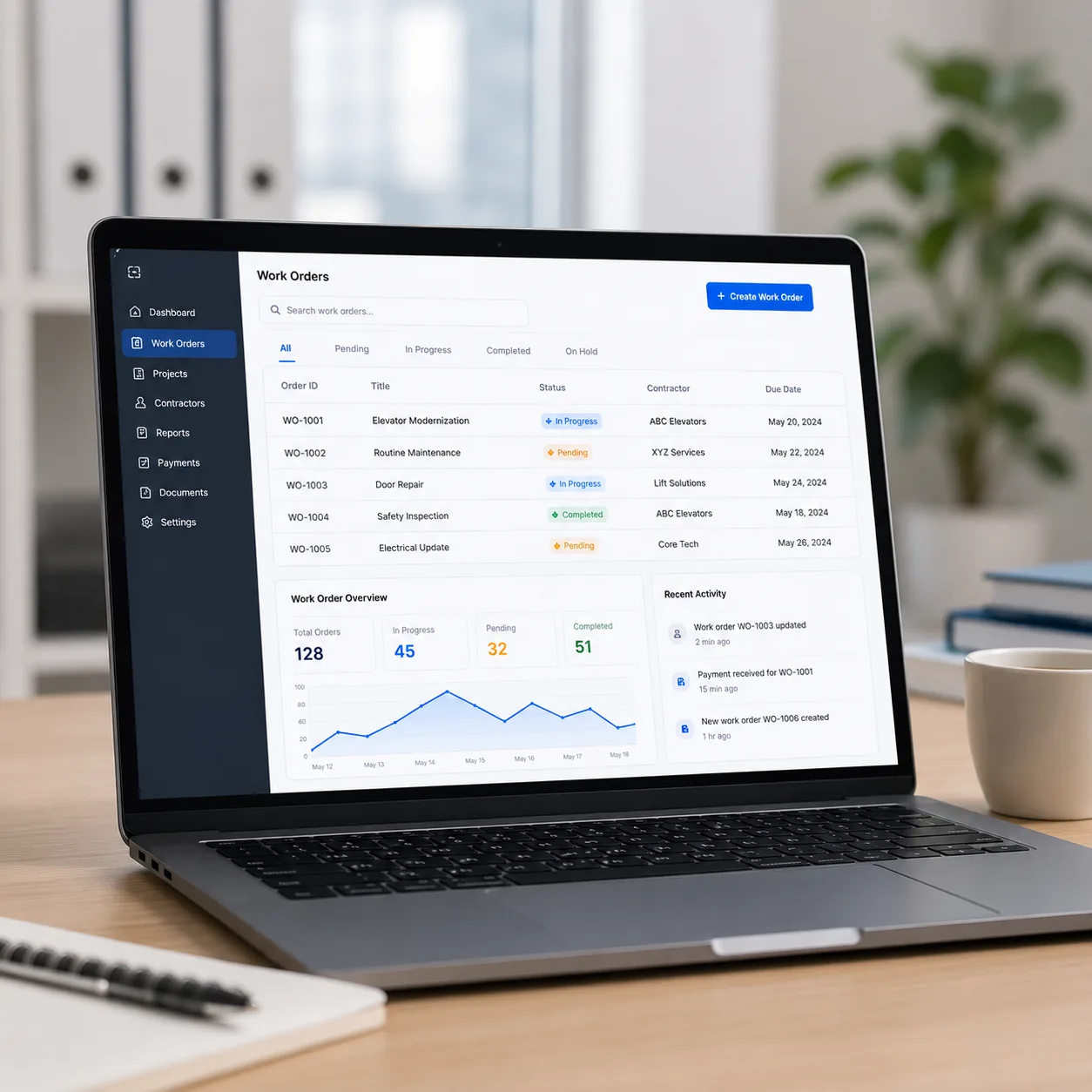
Amount-Based Routing
Quotations under threshold go to branch manager. Above goes to ops head. Above a higher threshold goes to CEO. Fully configurable per your authority matrix.
how quotations are builtDesignation-Based Routing
Different approval chains for different roles. Senior engineer approvals may bypass junior-level gates based on your hierarchy.
Branch-Based Routing
Branch A quotations go to Branch A manager. Multi-branch operations have independent but consolidated approval visibility at HQ.
Mobile Approval
All approvals can be actioned from the mobile app. Push notification delivered instantly. Approve or reject in two taps.
the field appApproval Logs
Full audit trail: who approved, who rejected, when, and what reason was given. Every step logged with timestamps.
how actions are loggedOr Switch It Off Entirely
Not every elevator company wants an approval layer, and a system that forces one on you gets worked around within a month.
Approval routing is optional. Disable it from configuration and quotations, purchase orders and expense claims go straight out, exactly as they did before.
Most companies land somewhere in between. Approval on quotations above a certain value but not below it. Approval on purchase orders but not on expense claims. Approval in one branch and not another. You decide which documents need a gate and which do not, and you can change your mind later without anybody rebuilding anything.

The Approver Can Fix It, Not Just Reject It
Most approval systems give you two buttons. Approve, or reject and send it back with a comment. Which means a quotation with one wrong figure goes all the way back down the chain, gets corrected, and comes all the way back up.
In ElevatorPlus the approver can amend the document before approving it. Correct a price, adjust a payment term, change an exclusion. The version that reaches the customer is the corrected one, and the change is recorded in the approval log alongside who made it.
For a senior person reviewing quotations from a growing sales team, that is the difference between a system that saves them time and one that costs them time.

Old Way vs. ElevatorPlus Approval Workflows
| Process | The Old Way | ElevatorPlus |
|---|---|---|
| Routing | ✕WhatsApp message to approver | ✓Auto-routed by rules |
| Approval Speed | ✕Days (missed messages) | ✓Auto-routed the moment it is submitted |
| Audit Trail | ✕None | ✓Full log with timestamps |
| Amount-Based | ✕Manual judgment call | ✓Auto threshold routing |
| Visibility | ✕Unknown status | ✓Real-time approval dashboard |
What You Get With Approval Workflows
What approval workflows cover.
Approval workflows apply to quotations, purchase orders, work orders, expense claims, leave requests and breakdown escalations, and any configurable form - one engine for the entire business.
expense approvals in detail →Frequently Asked Questions
Can I have different approval flows for different modules?
Yes. Quotation approvals, purchase order approvals, work order approvals, and leave approvals can each have completely independent workflows with different levels and thresholds.
What if the approver is on leave?
Approval workflows can be configured with escalation rules - if an approver does not act within a set number of hours, the item escalates to the next level automatically.
Can approvers see the full context before approving?
Yes. The approval notification shows the full document, all line items, amounts, and attachments. Approvers have all information needed without switching screens.
How does expense approval routing work?
Expense claims route by designation or by reporting line - you choose the rule during setup. Claims above a configured amount require a second approval from a senior. If an approver rejects a claim, they must record a reason, which the submitter sees immediately. No follow-up calls needed.
Set It Up Around How You Already Work
Bring your authority matrix to the demo, or just tell us who signs off what today. We will show you what that looks like configured, and how long it takes to change when it needs to.
Book a Demo