Powering Elevator Businesses Worldwide
Trusted by Fastest-Growing Elevator Companies
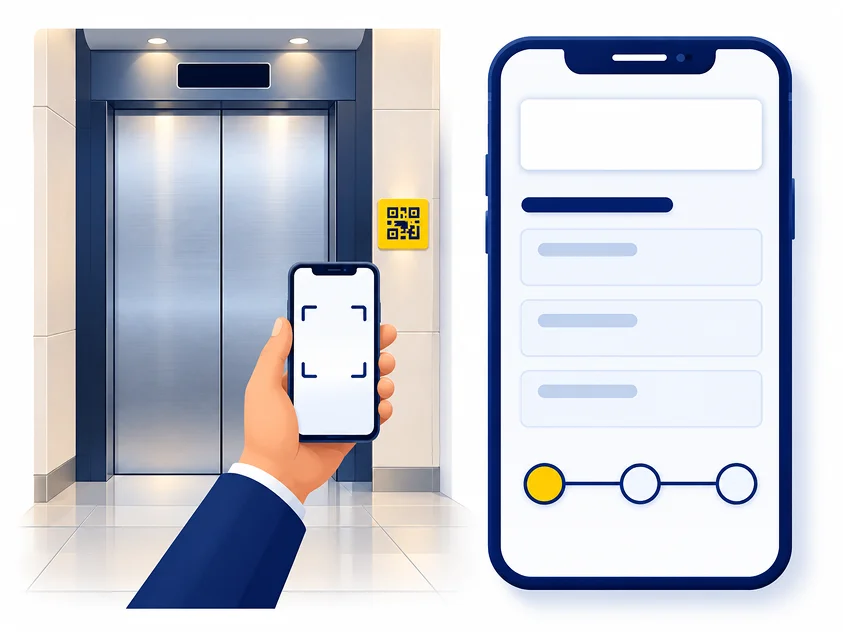
A resident is stuck on the third floor and the lift is not moving. They look for a number, find a faded sticker, and ring whoever answers. With ElevatorPlus there is a QR code on the lift. They scan it and land on a page carrying your company's name and logo, report the fault in about twenty seconds, and can come back later to see where it has got to. Nothing to download, no login to hand out, and no phone call to your office.
Trusted by Fastest-Growing Elevator Companies
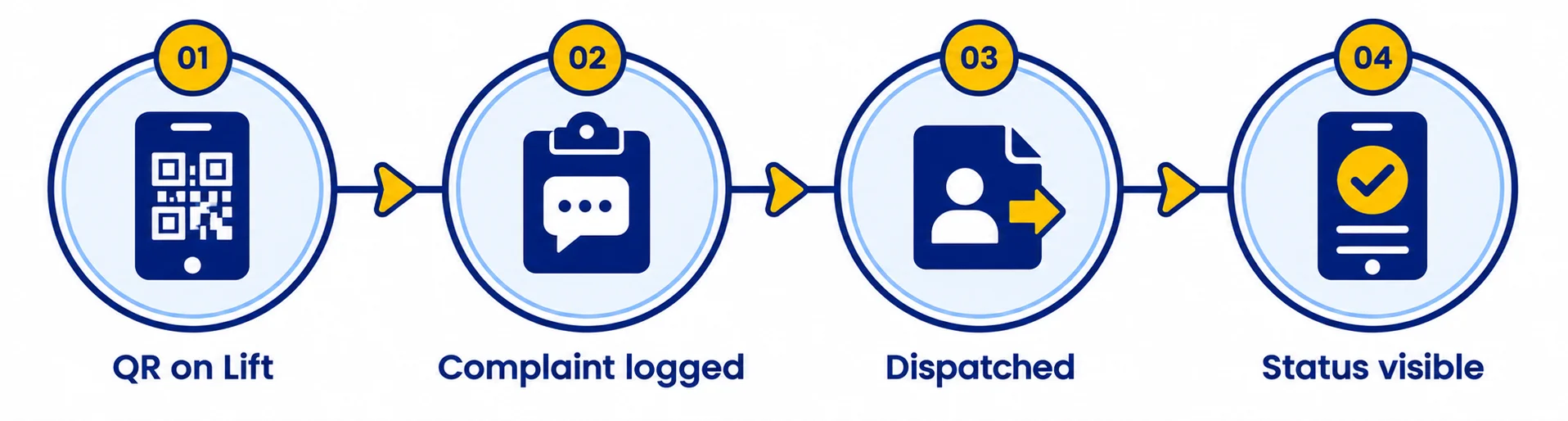
One code per lift, printed with your branding. It goes on the landing door frame, inside the car, or wherever your customers will look for it. Nobody needs to be told what it is.
When a building manager telephones, the coordinator has to establish which building, which bank, which car and what is wrong. A scanned complaint arrives already attached to the right asset, with the site, the lift number and the service history already on it.
The complaint appears in the service queue with its urgency, its site and its history. It is assigned and the technician is notified. See what the technician sees on the app.
They scan the same code, or follow the link, and see where the complaint has got to. Reported, assigned, on the way, on site, resolved. Without ringing anyone.
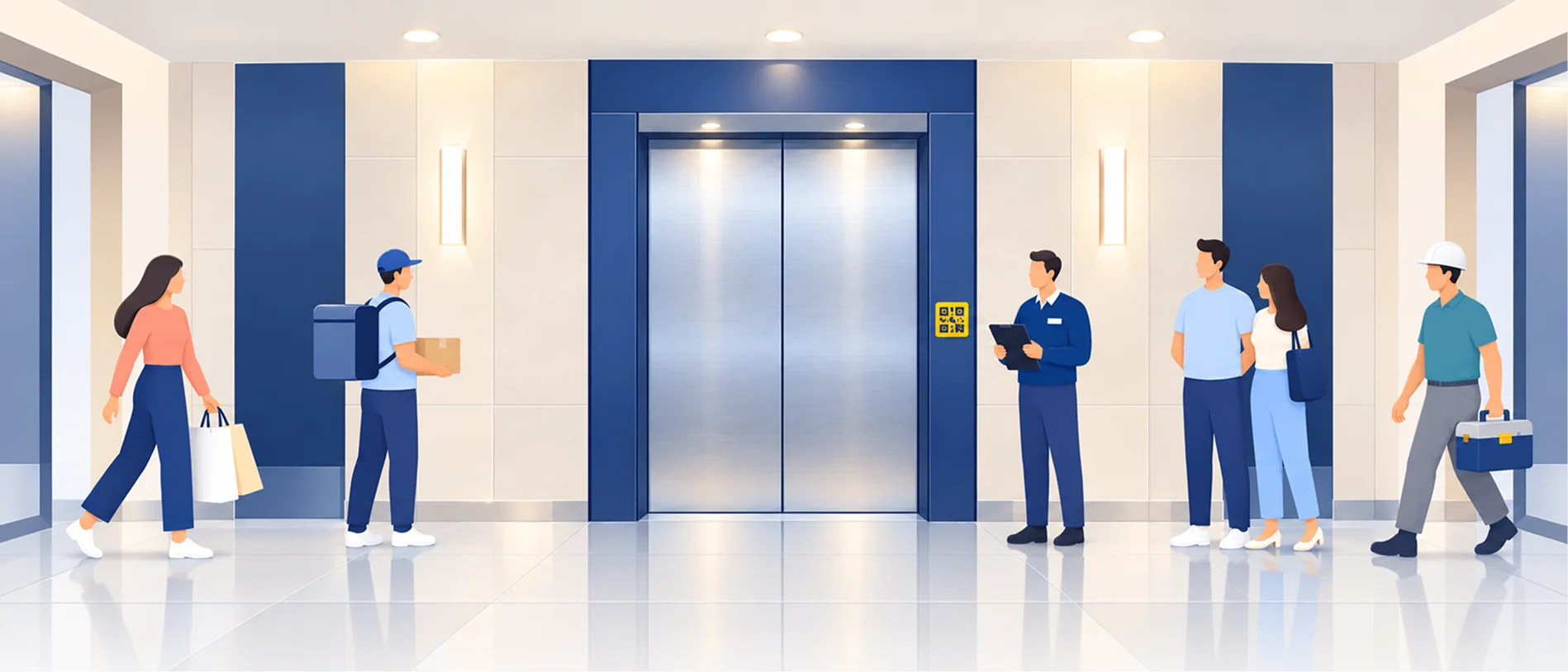
Think about who walks past a lift in a residential tower or a commercial complex in a day. Residents, their visitors, delivery staff, facility managers, contractors working on the building, prospective tenants being shown a flat, the developer's site team.
Every one of them sees the code on the lift door. And every one of them sees your company's name on it.
Elevator companies spend money on branding that reaches far fewer people than that. A QR code on every lift you maintain is permanent, on-site signage in exactly the buildings where your next contract is going to come from. When the managing committee of the tower next door asks who maintains the lifts here, the answer is already on the door.
The portal behind the code carries the same branding. Your logo, your company name, your colours. Not ours. The person reporting the fault never sees the words ElevatorPlus.
Your logo on the login screen, inside the app, and on the customer complaint portal.
Most software vendors put their own logo in front of your customers. We put yours.
The single biggest reason customer portals go unused is that somebody has to download something or remember a password. This one needs neither. A phone camera is the whole requirement.
The most common complaint about lift maintenance is not slow repairs. It is silence. A building manager who can see that a technician has been assigned and is on the way does not ring your office four times.
Residents' associations and facility managers answer to somebody. Every complaint raised, when it was raised, when it was attended and what was done is on a page they can open in a meeting.
An agent looking after lifts across several buildings accesses a portfolio view via a secure link from your office. All buildings and all lifts in one place. This view requires a login - it is separate from the QR scan, which needs none.
Every complaint arrives pre-sorted and creates a dated, searchable record your team owns.
Site, lift, contract status and history attached before anyone picks it up. No more "which building, sir?"
Coordinators lose a large part of the day to customers ringing to ask what is happening. A visible status page removes most of that traffic without removing the customer's answer.
Every complaint carries a timestamp, an assignment, an attendance and a resolution. When a customer says nobody came for three days, there is a record rather than a disagreement.
Twelve months of documented complaints, response times and resolutions is the most persuasive thing you can bring to a building committee questioning your AMC price.
See how that feeds into AMC renewalsThe QR complaint portal is in use across the ElevatorPlus customer base, in more than 20 countries. It is not a roadmap item.
"Complaint logging is super smooth. Customers call we log in the app, assign the nearest technicians, done in under 2 mins."
Sandip Kakade
"All open complaints and technician status visible on one screen. SLA deadlines ka tension nahi rehta ab. Excellent tool for service ops."
Govinda Doifode
Does the customer need to install anything?
No. They scan the QR code with the phone camera and the portal opens in the browser. There is no app to download and no account to create.
Whose branding do they see?
Yours. Your logo and your company name on the portal, and on the QR code label itself. The person reporting the fault does not see ElevatorPlus anywhere.
Can a building manager see the history for their whole building?
Yes - via a building view link your office sends them. That link requires a login and shows every complaint raised against every lift in the building, with dates, status and resolution. The per-lift QR code is a different thing: anonymous, no login, one lift only.
What if the QR sticker is damaged or removed?
Complaints can still be logged by your office in the normal way, and a replacement label is printed from the system. The QR code is an additional route in, not the only one.
Does this work for a managing agent with lifts in many buildings?
Yes. Your office sets up a portfolio view for the agent with a secure login. They see every building and every lift they manage in one place, not site by site. This is separate from the per-lift QR scan, which any person can use without a login.
Does the complaint go straight to a technician?
It goes into your service queue with the site and history attached. Your dispatcher assigns it. Nothing is auto-assigned to a technician without your team seeing it first.
Can we put the QR code inside the lift car as well as on the landing?
Yes. One code per lift, and you decide where it goes.
Ask us to scan a live QR code on the call and show you the portal exactly as a building manager gets it, with your logo on it. It takes about two minutes.
Book a Demo