
How We Set Up ElevatorPlus With Your Team
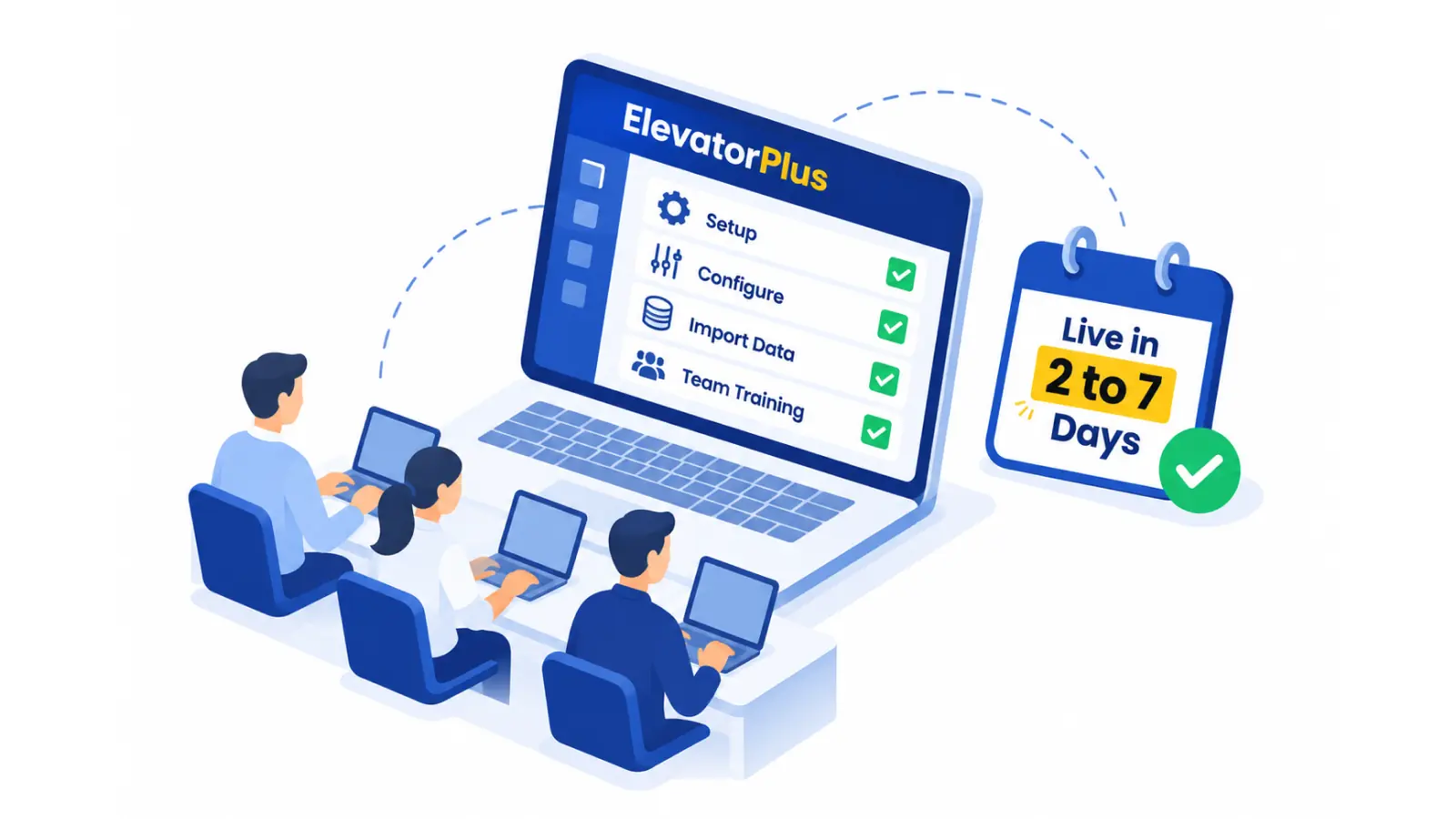
Setup takes 2 to 7 days and covers configuration, your data import and training for your team. Most companies are fully live within a few weeks. What decides how fast is one thing on your side: a dedicated person who gets your existing data ready.
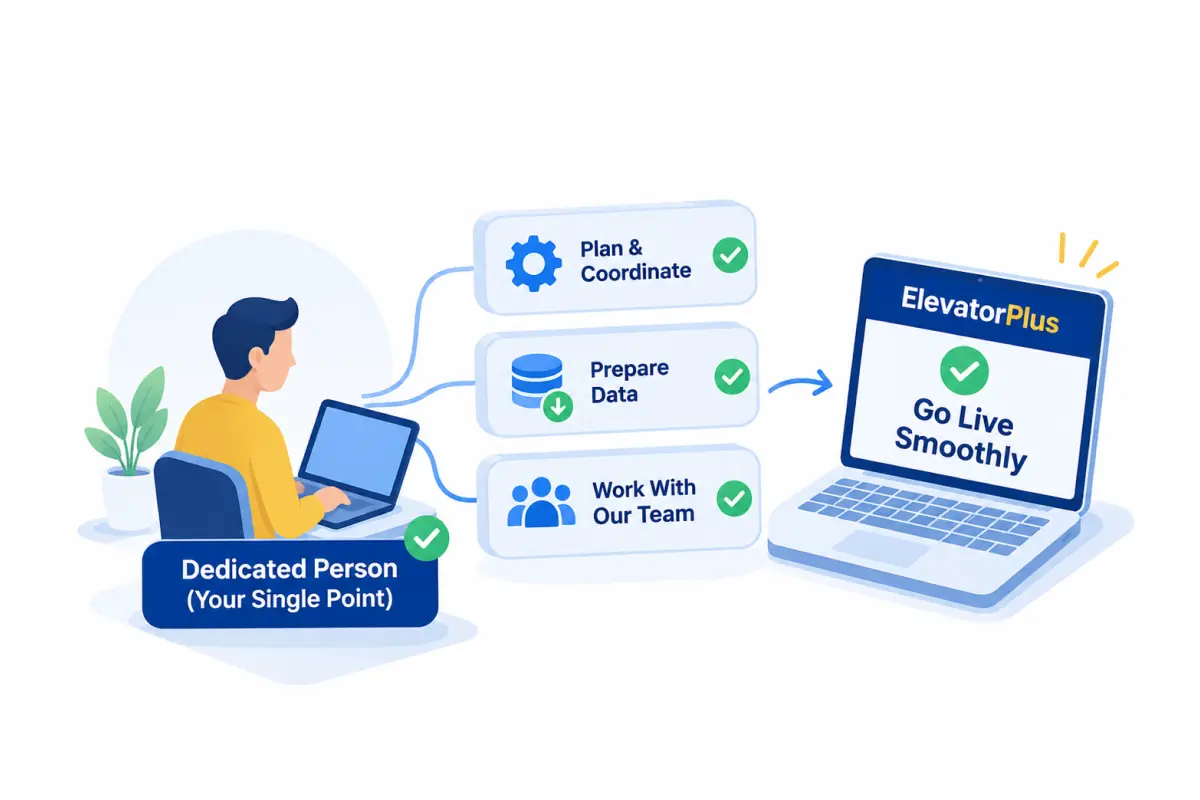
Why does one dedicated person matter?
Before you go live, someone in your company has to pull together the records you already have: ongoing lift installations, past and active AMC contracts, and the customers and sites behind them. When one person owns this, setup moves in days. When it is left to the existing team to do whenever they find time, it becomes part-time work, it gets pushed behind the day's jobs, and setup stalls. Name that person before we start, and the rest follows.
How does setup work?
-
1
Kick-off. A project coordinator from our team is assigned to you and plans the setup with your dedicated person.
-
2
Your company's setup. We set up your quotation and report formats on your letterhead and logo, your inspection and maintenance checklists to the rules you follow, and your users and roles.
-
3
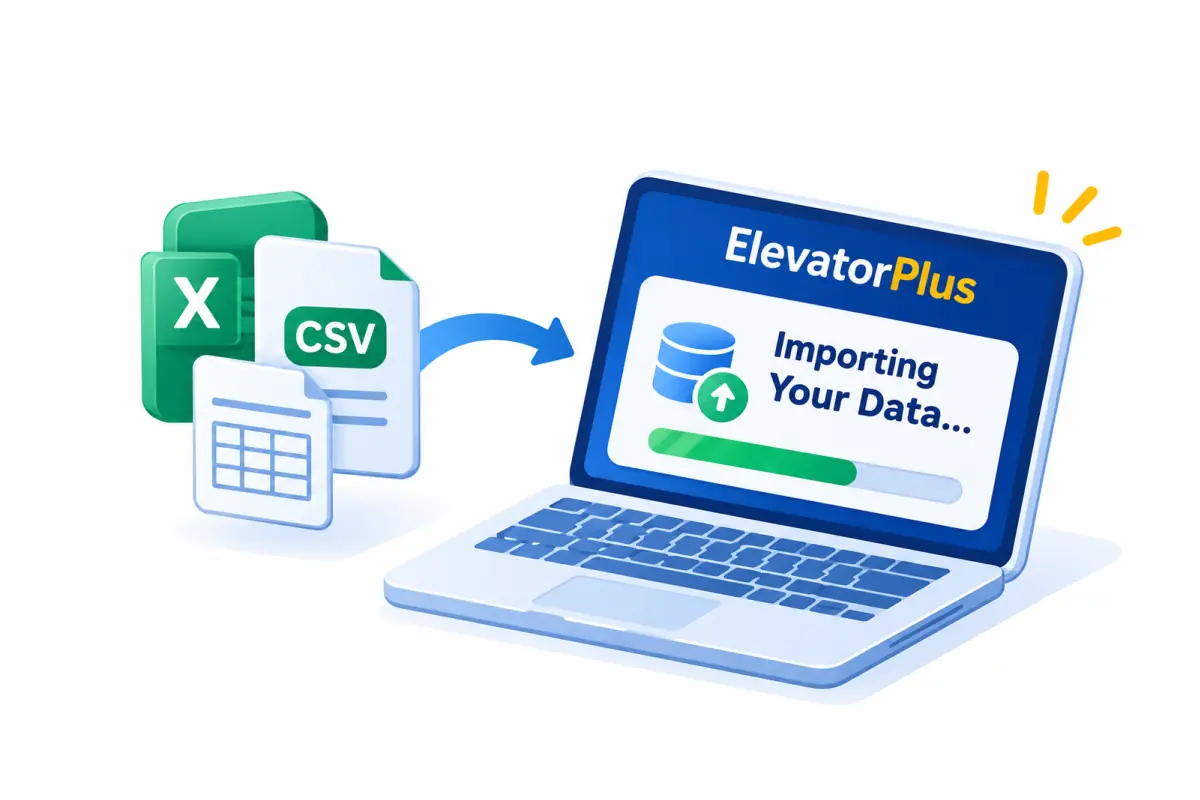
Your data. Your team sets up the basic lists, downloads our pre-formatted Excel sheets, fills in your past data and imports it in one click. Our team guides you through every sheet.
-
4
Training. We train online, one team or department at a time, so each person learns only the part they use.

-
5
Go live. Your team starts working in ElevatorPlus, and your coordinator stays with you.
Can you train our team at our office?
In India, yes. Once setup is complete, we can train your team in person at your office for 2 to 3 days, on request. You arrange travel, food and accommodation for our team.
How does setup work outside India?
Setup and training run online. A project coordinator can visit your site on request.
What happens after we go live?
Your project coordinator stays with you until ElevatorPlus is part of your team's daily work. Support is available every day on WhatsApp from 9 AM to 9 PM IST, with replies in minutes, and the AI assistant in the admin panel answers questions at any hour, with how-to videos.
Project coordinator until adoption
WhatsApp support every day, 9 AM to 9 PM IST
AI assistant in the admin panel, 24/7
Teams that went live with ElevatorPlus


Questions about setup
Setup takes 2 to 7 days, including configuration, your data import and training. Most companies are fully live within a few weeks, depending on how quickly their existing data is ready.
One dedicated person who gathers your existing records, such as ongoing installations and past and active AMC contracts. When this is left to the team to do in spare time, setup slows down.
Your team does, with our guidance. You download pre-formatted Excel sheets, fill in your past data and import it in one click.
Yes. We set up the quotation and report formats you already use, on your letterhead and with your logo, so nothing changes for your customers.
Online, one team or department at a time. In India, we can also train your team at your office for 2 to 3 days on request, with travel, food and accommodation arranged by you.
Yes. Setup, guidance on your data import and online training are covered by the one-time implementation fee in your quotation. For training at your office in India, you arrange travel, food and accommodation for our team.
Your project coordinator stays with you until the software is part of daily work, with support every day on WhatsApp from 9 AM to 9 PM IST and the AI assistant at any hour.
See how setup would work for your company
Bring your questions to the 30-minute Revenue Leak Walk-Through.
Book the Walk-Through